Microsoft's September Patch Tuesday Broke Remote Desktop, and the Fix Came Six Days Later
September 2026 Windows Server updates left RDS hosts unstable hours after install. Microsoft's emergency fixes came on September 14, but USB audio bugs remain.

On this page
Microsoft's September 2026 Patch Tuesday was the largest security release in the company's history. It also turned out to be one of the messiest. A few hours after the updates installed on September 8, administrators running Remote Desktop Services hosts watched their session servers stop accepting connections, and it took until September 14 for Microsoft to ship emergency out-of-band packages that put them right.
Related reading: Microsoft's Project Zenith Wants Windows to Be Ready-to-Code. Developers Aren't Convinced · ServiceNow's Stock Fell 27% as AI Fears Came for the Software Trade.
The affected server builds were KB5122876 for Windows Server 2019, KB5122882 for Windows Server 2022 and KB5122871 for Windows Server 2025. Microsoft's release health dashboard describes the failure in the same terms administrators had been using for days: RDS could become unstable, RDP connections failed after several minutes, sign-ins broke, and servers hung at the message that has become the shorthand for the whole incident, "Please wait for the Remote Desktop Configuration."
There was more collateral damage than RDP alone. Microsoft Management Console, the RDS Licensing Diagnoser, File Explorer and even the Windows Update page could all stop responding. When the tools you use to triage a failing server also stop answering, a bad patch stops being an inconvenience and starts being an outage.
A failure that waited a few hours
The timing is what made this one nasty. The update did not break servers on install. Hosts came back, users connected, and a routine post-patch smoke test would have passed. The trouble surfaced later, once sessions had lived for a while and people began logging off.
Why standard change control missed it
A pre-deployment test that connects, works for ten minutes and disconnects will not surface this defect. The failure depended on session churn over hours, which is exactly the behaviour a maintenance-window check does not reproduce.
Reports collected by BleepingComputer and others described a consistent sequence. New RDP connections hung during the connection phase and then failed. Users already signed in could not disconnect or log off cleanly. Several administrators said an ordinary restart did not clear the fault, and that only a hard reset brought the service back. Some hosts reportedly failed specifically after the first user logged out.
The leading explanation circulated by administrators was a deadlock between the RDP service and the Local Session Manager, triggered at logoff. That analysis came from one administrator's debugging on a single Server 2022 host, and Microsoft did not confirm it as the root cause. It is worth treating as a working hypothesis rather than a finding, but it fits the observed pattern of a service that wedges once sessions start tearing down.
Why RDS-heavy organisations felt it first
A broken print spooler annoys a department. A broken RDS session host stops work for everyone who depends on it, and the dependency chain is long.
RDS is the standard way many organisations deliver Windows applications to branch offices, contractors, call centres and remote staff. A single session host may carry dozens or hundreds of concurrent users, and the servers themselves are frequently administered over the same RDP path that has just failed. That combination produces a feedback loop: the remote access users depend on is down, and the remote access administrators use to fix it is down too.
- Session hosts, jump servers and gateway-adjacent systems carry the widest blast radius, because they are shared infrastructure rather than one person's desk.
- Hosted desktop and virtual desktop estates built on RDS or Citrix VDAs inherit the fault across every published application.
- Servers managed only through RDP, with no console or out-of-band management path, can be difficult to reach once the service wedges.
There is also a scheduling trap. Patch Tuesday falls in the same maintenance window every month, and most teams patch on a cadence. When a defect needs hours of user activity to appear, and your rollback window closes before that, you find out about it in production.
The security trade-off nobody wanted
The irony of the September release is how much security work it carried. Microsoft's Security Response Center counted 974 CVEs in the release, a record, while third-party trackers such as Talos, Rapid7, Ivanti, Tenable and CrowdStrike reported totals ranging from 964 to 973 depending on how they count Microsoft, third-party and Chromium flaws. By any measure, it was the biggest single-day batch the company has published.
Two of those flaws were already being exploited in the wild. CVE-2026-81963 is a privilege escalation in the Windows Update Stack, rated 7.8, arising from improper link resolution. CVE-2026-85880 is a heap-based buffer overflow in Windows Advanced Local Procedure Call, also rated 7.8, which lets a low-privileged local attacker escape an AppContainer sandbox and reach SYSTEM. CISA added both to its Known Exploited Vulnerabilities catalog on September 8, with a September 22 remediation deadline for US federal agencies.
Then there is the one that made the RDS outage genuinely uncomfortable. CVE-2026-69525 is a use-after-free remote code execution flaw in Remote Desktop Services, rated CVSS 9.8, in a service that is frequently exposed inside enterprise networks. Microsoft flagged it as exploitation more likely.
That created a choice with no good answer. Rolling back the September cumulative update restored Remote Desktop, as administrators quickly discovered. It also removed the patches for the two exploited zero-days and the 9.8-rated RDS flaw, on the very service that had just been destabilised. Some teams took that trade. Others waited.
Microsoft's answer: roll it back without a rollback
Before the out-of-band updates arrived, Microsoft's supported mitigation was a Known Issue Rollback, a mechanism that disables the specific non-security change responsible for a regression while leaving the month's security fixes installed. IT-Connect and other outlets documented Group Policy packages distributed through the Microsoft 365 admin center rather than the public KB pages, which meant part of the fix's existence circulated by word of mouth before Microsoft published it widely.
The counter-intuitive part, repeated across every write-up, is that the policy must be set to Disabled to activate the rollback, and the device must be restarted. Setting it to Enabled leaves the broken behaviour in place.
In some environments, RDS might become unstable, resulting in RDP connections failing after several minutes, sign-in issues, or servers hanging at "Please wait for the Remote Desktop Configuration." — Microsoft Windows release health
What shipped on September 14
Six days after Patch Tuesday, Microsoft published emergency out-of-band cumulative packages. Because each one is cumulative, a machine that never took the September 8 rollup can install it directly and still receive the month's security content. That also means an administrator who rolled back can restore the security fixes and the RDS repair in a single step.
The packages, verified against Microsoft's support pages and Citrix's advisory CTX697101, are:
- Windows 11 26H1: KB5129194, build 28000.2956
- Windows 11 24H2 and 25H2: KB5129195, builds 26100.9457 and 26200.9457
- Windows 11 24H2 and 25H2 hotpatch: KB5129241
- Windows 11 23H2: KB5129242
- Windows 10 21H2 and 22H2: KB5129236, builds 19044.7727 and 19045.7727
- Windows Server 2025: KB5129235, build 26100.33451
- Windows Server 2022: KB5129237, build 20348.5631
- Windows Server 2019 and Windows 10 Enterprise LTSC 2019: KB5129238
- Windows Server 2016 and Windows 10 LTSB 2016: KB5129239
- Windows Server 2012 R2 and Server 2012 (ESU): KB5129243 and KB5129244
One detail worth correcting, because it circulated widely in the first days: there is a Server 2019-specific fix. KB5129238 exists, and Microsoft's release health entry for the Windows 10 1809 and Server 2019 branch now lists the RDS issue as Resolved by it. Early emergency-update coverage that listed only Server 2022 and Server 2025 packages was updated to add Server 2019 after readers flagged the omission.
The out-of-band updates also repaired a second regression that had been buried under the RDS noise: applications sharing Windows host folders with Linux virtual machines through Hyper-V's Plan9 provider could find shared folders missing or inaccessible. The Windows 11 packages resolve that as well.
The audio hangover
Not everything is fixed. The same September 8 updates broke devices using USB Audio Class 1.0, which failed to start with a Code 10 error in Device Manager, produced no audio, and left volume controls and sound settings unresponsive.
The out-of-band updates fix only part of that. Microsoft's KB5129237 release notes list a repair for devices that worked in standard stereo but failed in multichannel configurations such as 8-channel or 3D audio modes, then add a separate known issue stating plainly that other audio symptoms are not resolved. Devices showing Code 10, no output or dead volume controls remain affected.
Partial fix, stated plainly
Microsoft says it is still working on the remaining USB Audio Class 1.0 symptoms, and points administrators who need an immediate workaround to Microsoft Support for Business. On the Server 2019 release health page, the audio issue is marked Mitigated rather than Resolved, while the RDS issue is marked Resolved.
Not a one-off
The September regression is the latest entry in a long list of Patch Tuesday side effects. BleepingComputer noted that Microsoft fixed a similar known issue in March 2025 that caused Remote Desktop and RDS connection failures after updates released since January 2025. Recent months have also brought Windows update regressions affecting printing and PDF export in some applications, and broken Recycle Bin prompts, each requiring its own follow-up.
The pattern matters more than any single incident. Microsoft has credited AI-assisted vulnerability discovery for the surge in reported flaws, which pushed September's release past anything the company had shipped before. Shipping more fixes, faster, across more code paths raises the odds that one of them changes behaviour in a way nobody tested for. The commercial pressure runs the other way too: once a flaw is public and sometimes already exploited, holding an update back carries its own cost.
For the teams on the receiving end, the lesson is operational rather than technical. A patch that passes a quick test has not been tested. RDS session hosts and anything with a shared-fate dependency deserve staged rollout, a documented rollback path and an out-of-band management route that does not run over the service being patched. And when the update that broke everything is also the update that fixed a 9.8-rated remote code execution flaw, the decision to hold or roll back needs a compensating control rather than a maintenance ticket alone.
Microsoft has not said whether the September fixes will be folded into a revised monthly rollup or left to October's Patch Tuesday. Until then, the safest reading of the release health pages is branch by branch: most are Resolved, the USB audio entries are not.
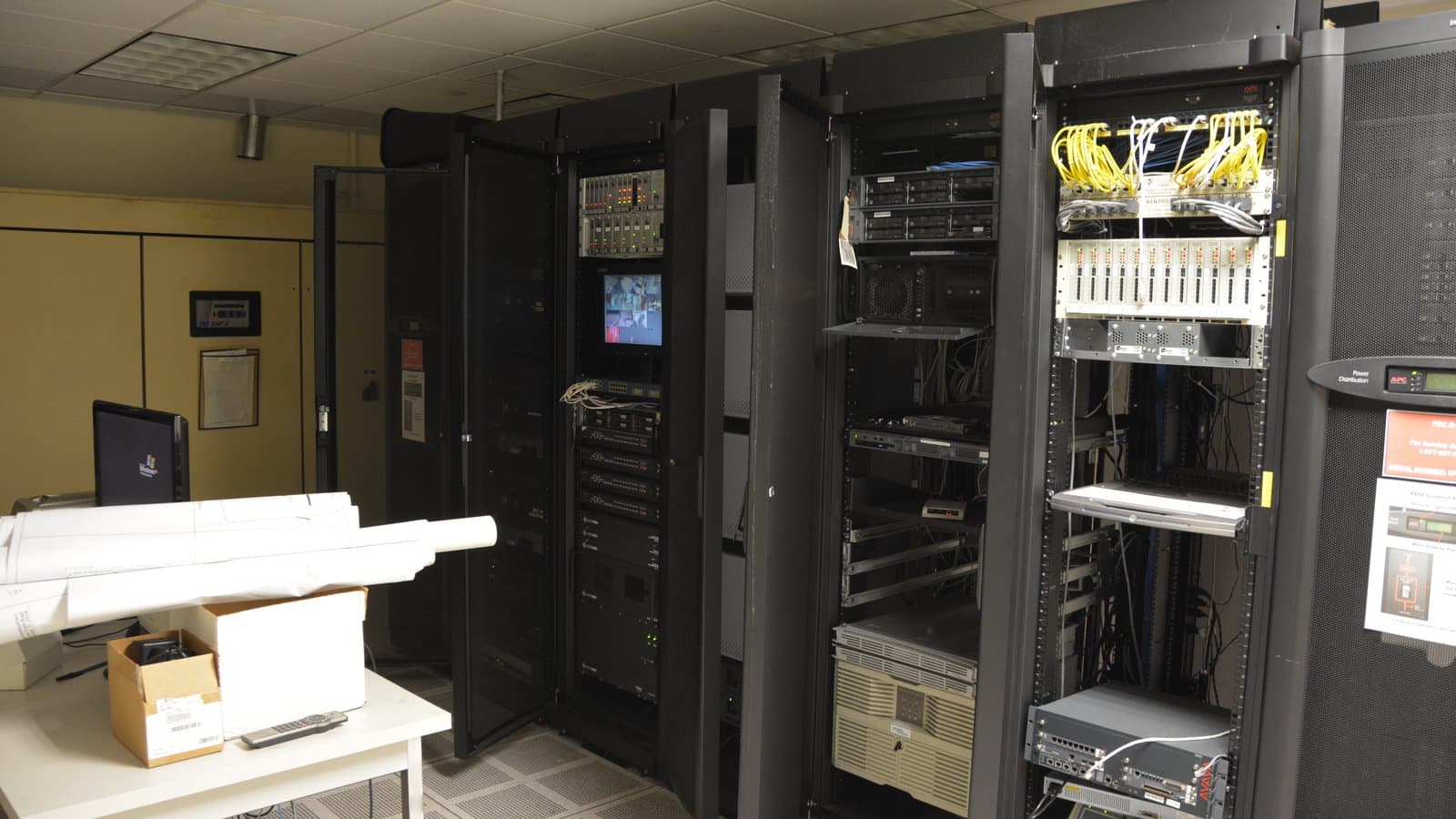
Cover: Server room photo by Carl Lender, CC BY 2.0, via Wikimedia Commons.
Tags

TPW Editorial
Editorial Team
TechPastWeek's editorial team reports and edits every story we publish. We research each piece against primary and credible secondary sources, and a human editor reviews and signs off before it goes live.