Google's Gemini App Arrives on Windows With an Alt + Space Hotkey
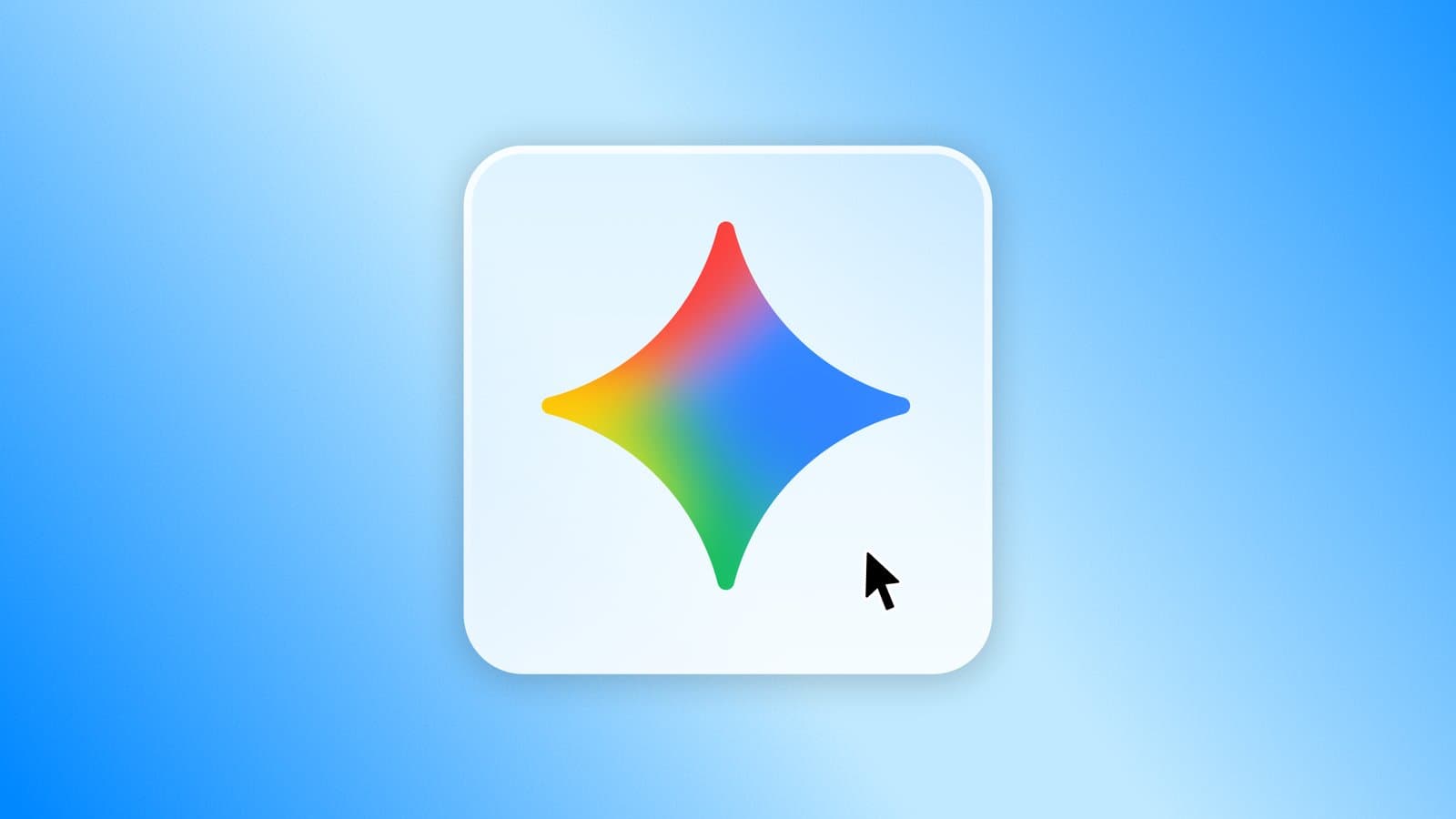
Google's Gemini app is now a native Windows 10 and 11 client summoned with the Alt + Space hotkey, extending its desktop push beyond macOS and the browser.

On this page
On September 10, 2026, Google released the Gemini app for Windows 10 and Windows 11 worldwide, giving its AI assistant a native desktop home on the operating system owned by its chief competitor. The app is summoned with Alt + Space, which opens Gemini in a floating panel over whatever window is active, and it is Google's first standalone Gemini client for Windows after years in which the assistant lived mainly in a browser tab.
Related reading: Microsoft's Project Zenith Wants Windows to Be Ready-to-Code. Developers Aren't Convinced · ServiceNow's Stock Fell 27% as AI Fears Came for the Software Trade.
"Today, we're launching the Gemini app for Windows," wrote Erin Pettigrew, Director of Product Management for the Gemini App, in the announcement. She described it as software "designed to work seamlessly alongside your favorite tools and daily applications," adding that the desktop app "gives you instant assistance without breaking your flow."
The launch follows the macOS Gemini app that arrived in April and marks a deliberate change in how Google distributes Gemini. For most of the assistant's life it has been a website and a Chrome feature; a native Windows program is a different proposition, because it can claim a system-wide keyboard shortcut, and because it lands on a machine where Microsoft already bundles Copilot. The Verge noted the app simply "now has a Windows app," while Google's own framing emphasized speed and unobtrusiveness.
What the Windows app actually does
Google's post and its Workspace documentation describe a focused first release rather than a full desktop overhaul. The headline features are:
- Instant summoning. Pressing Alt + Space calls Gemini up over the active window. Google's examples are quick tasks: fact-checking a document or brainstorming presentation titles.
- A workspace with memory. The app carries the full Gemini web experience, including Notebooks and a Recents list in a side panel, according to 9to5Google.
- Agentic hand-off. Multi-step jobs can be passed to Gemini Spark, Google's always-on personal agent, with access to connected Google apps.
- Workspace pull-through. Gemini can draft a project summary by pulling information directly from Gmail and Google Drive, per Google Workspace Updates.
- Media generation. Images come from Nano Banana and video from Gemini Omni, both inside the desktop panel.
Google is pitching the app's resource footprint as a feature. "Lightweight and quiet, the app runs without slowing down your PC," Pettigrew wrote, before teasing that "more native desktop capabilities [are] rolling out over time." The company gave no schedule for those features, and no system requirements beyond Windows 10 and 11.
The Workspace team's post, published a day later on September 11, adds the enterprise angle: the app is available to all Google Workspace customers, Workspace Individual subscribers, and people with personal Google accounts. It is controlled by the same Generative AI settings that admins already use to turn the Gemini app on or off in the Workspace Admin console, and it is on by default for organizations that have Gemini enabled.
Why Google wants an app, not a tab
The strategic logic is straightforward. Google has spent years keeping users inside the browser, where its search and advertising business lives. But desktop operating systems have become the front line of the AI assistant race: Microsoft has embedded Copilot throughout Windows and Office, and Apple has woven Apple Intelligence into macOS. A browser tab cannot intercept a keyboard shortcut globally, cannot float over other applications, and cannot plausibly be described as part of the desktop experience. A native client can do all three.
That matters most for the invocation layer. Google chose Alt + Space, the same combination Microsoft's Copilot app has promoted as its trigger, and which Windows Central reported puts Gemini in direct competition with Copilot "for space on your keyboard."
Scale is the other half of the argument. Google said in July, during Alphabet's Q2 2026 earnings, that Gemini had passed 950 million monthly active users, up from 750 million in February, as The Verge reported. Putting that assistant one keypress away on the world's dominant desktop OS is a distribution play as much as a product one.
Not Google's first Windows foray
Gemini has been on Windows desktops through Chrome since September 18, 2025, initially for U.S. English users, and Google added Chrome "auto browse" agent features for Windows and macOS in July 2026. The new client is different in kind: it is an installable program, not a browser feature, and it can overlay other applications.
A market that no longer runs on browser tabs
The competitive backdrop explains the timing. Microsoft's Copilot has the deepest integration of any assistant on Windows, bundled with the operating system, the taskbar and Microsoft 365. Yet distribution has not translated neatly into use. Similarweb figures covering the twelve months to May 2026, cited by ppc.land, put Copilot at roughly 1.8 to 2.0 percent of generative-AI website traffic for the whole period, even as Gemini's share climbed from 8.9 percent to 27.3 percent and ChatGPT's fell from 76.4 percent to 52.7 percent. Those numbers measure the web, not installed software, so they understate an assistant that lives in a taskbar, which is precisely why a native client matters. It also means the next round of market-share estimates will be less comparable than the last.
Whichever assistant owns the hotkey owns the reflex, the moment a user reaches for AI without deciding which product to open.
The 950 million figure also cuts both ways. Google is converting a very large, mostly mobile and web audience into desktop installations, but it is doing so against an incumbent that is already installed by default. Copilot's weakness has been engagement rather than reach; Gemini's is reach on desktop rather than engagement. A free, fast Windows client is Google's attempt to close that specific gap without waiting for users to change their habits on their own.
The Alt + Space problem
Choosing Alt + Space is a land grab, and not a clean one. On Windows that combination traditionally opens the active window's system menu, the small menu with Minimize, Maximize and Close. It is also the default shortcut for PowerToys Run, Microsoft's quick-launcher for power users, and it has become the trigger Microsoft promotes for Copilot. TechRadar's hands-on found that installing the Gemini app took over the shortcut entirely on the tester's PC.
Google's announcement does not say how the app behaves when another assistant or utility already holds the combination, or whether users can reassign it. That silence is a practical risk: on a machine running Copilot and PowerToys, the shortcut is contested, and whoever installed last may simply win. For a feature whose entire pitch is "instant assistance without breaking your flow," a hotkey collision is not a cosmetic issue.
It is also a reminder that Windows is not neutral ground for third-party assistants. Microsoft controls the defaults, the taskbar and the update channel, and it has a long history of steering users toward its own services, a pattern regulators have scrutinized for years. Google is entering that environment as an ordinary third-party program, subject to the same system rules as everyone else.
The caveats behind "globally available"
Google's word "globally" deserves scrutiny, because the Windows client inherits the fine print of the features it ships. The blog post attaches footnotes to Gemini Spark and Gemini Omni noting that a "Google AI subscription [is] required," availability varies, and users must be 18 or older. None of that is unusual for Google's AI lineup, but it means the app being downloadable worldwide is not the same as every advertised capability being available worldwide.
That distinction has precedent. Coverage of the launch noted that earlier Spark documentation listed the EEA, Nigeria, Switzerland and the United Kingdom among unavailable markets, and that Google's Windows post does not say whether that changes. The post also gives no system requirements, pricing or language details, and does not explain feature-level eligibility.
There is a parity caveat, too. The macOS version of Gemini supports capabilities such as screen sharing and dictation by pressing both Command keys, while the Windows release shipped without the Mac-specific input methods. Google says more native features are coming, but offers no dates, so Windows users are effectively getting a first-generation client that may lag the Mac for some time.
There is also a data-governance question that the launch materials leave largely implicit. The app can draw on Gmail and Google Drive and hands work to an agent with access to connected apps, which means the boundary between a user's files and the assistant is only as clear as the account settings behind it. For consumers that is a matter of trust; for businesses it is a configuration problem. Google's answer is that the existing Workspace Admin console controls govern the desktop app exactly as they govern the web version, a sensible default, but one that puts the burden on IT teams to know what they have enabled.
Finally, one claim is hard to verify from the outside. An assistant that runs as a desktop overlay shifts usage out of the browser, where web-traffic panels can count it. Any comparison of Gemini's and Copilot's reach that relies on website analytics will increasingly miss behavior that happens inside installed apps, a measurement gap worth keeping in mind when the next set of market-share numbers arrives.
What to watch
- Feature parity. Whether Google follows through on deeper Windows-native capabilities (screen understanding, system-level actions and the input methods the Mac already has) and on what timetable.
- The hotkey fight. Whether Microsoft changes or defends Alt + Space for Copilot, and whether Google adds remapping or smarter conflict handling.
- Enterprise adoption. Workspace admins now have a switch for the Gemini app. How IT departments in regulated industries set it will say a lot about whether the Windows client becomes a standard work tool or an optional download.
- Distribution versus defaults. Copilot's advantage is that it comes with Windows; Gemini's is that users choose it. Which force is stronger on the desktop is the open question the next few quarters should answer.
The launch itself is modest, a client, a shortcut and a handful of features Google already offered elsewhere. But it is also the clearest sign yet that the assistant wars have moved from the browser and the phone onto the desktop, where the prize is not a tab but the keypress that opens it. Google has now placed its bet; Microsoft's response, and users' muscle memory, will decide how much it is worth.
Tags
TPW Editorial
Editorial Team
TechPastWeek's editorial team reports and edits every story we publish. We research each piece against primary and credible secondary sources, and a human editor reviews and signs off before it goes live.